How to Keep Chat Engaged When It’s Slow (Not Fast)
Dead chat is the problem nobody writes about. Most advice assumes your chat is a firehose you need to control, but under a few hundred viewers the real problem is the opposite: you're talking into a quiet room. Here's how to keep chat engaged when it's slow.
A slow chat isn't a failure. It's the default state for a small or mid-size stream. But it's fixable, and the fixes are different from what "fast chat" advice tells you.
Why chat goes quiet
- Lurkers don't know it's okay to talk — nothing invited them in.
- The last few messages went unanswered, so people stopped trying.
- There's nothing specific to react to — long silences during gameplay with no narration.
- New viewers don't know the room; unwritten inside jokes make chatting feel risky.
What actually gets a quiet chat talking
Ask specific, answerable questions — not "how is everyone doing" but "what would you pick here, A or B?" Specific questions are easy to answer in one word, which lowers the bar to typing at all.
Narrate out loud and react to what is on screen. Silence breeds silence — if you aren't talking, chat has nothing to respond to. Think out loud, ask chat what you should do next, make it a habit.
Respond to every single message you catch, especially early in a stream. In a slow chat, the cost of ignoring someone is much higher than in a fast one — there are fewer other messages to bury the awkwardness. One acknowledged "hey, welcome" often unlocks the rest of the room.
The first 10 minutes matter most
Chat sets its tone early. If the first 2 people who say hello are greeted by name, the third person types too. If they're ignored while you set up your scene, the room settles into silence and it takes far more effort to break later. A few habits for the start of every stream:
- Have something to talk about before the game starts — what you're trying today, something that happened since last stream.
- Greet every early chatter by name, even if it's the same 3 regulars.
- Ask one easy question in the first 5 minutes, the kind anyone can answer in a word.
- Don't start with the hardest, quietest part of the game. Lead with something that gives you things to react to.
Give chat something to do
People type more when typing does something. Built-in tools help here: Twitch's polls and predictions, channel point rewards, a running vote on what to do next, or a simple "type 1 or 2" choice. The point isn't the tool — it's that a viewer can take part without having to think of something to say from nothing.
Running jokes and recurring moments do the same over time. A counter for how many times you fall off the same ledge, a name chat gave a recurring enemy — these give regulars a shared language, and new viewers pick it up quickly when you explain it once.
“A slow chat isn't a dead channel. It's an early one.”
What makes a quiet chat quieter
- Asking "why is chat so dead?" out loud. It reads as a complaint, and nobody wants to be the one answering it.
- Reading the viewer count on stream. Lurkers notice, and a low number said out loud makes the room feel emptier, not fuller.
- Calling out individual lurkers by name. Welcome lurkers in general; never put one on the spot.
- Answering a message 30 seconds late with a vague "yeah". If you missed something, say so and answer it properly.
And remember most viewers never type at all. A stream with 5 chatters and 40 viewers isn't failing — it has a normal ratio of lurkers. Talk to the room, not just to the people typing.
The catch: a slow chat is easy to under-read
Ironically, a slow chat is where messages get missed most often — not because of volume, but because you're deep in the game and a single message from 20 seconds ago has already scrolled out of your peripheral vision. In a fast chat you at least know to check; in a slow one, you forget to look.
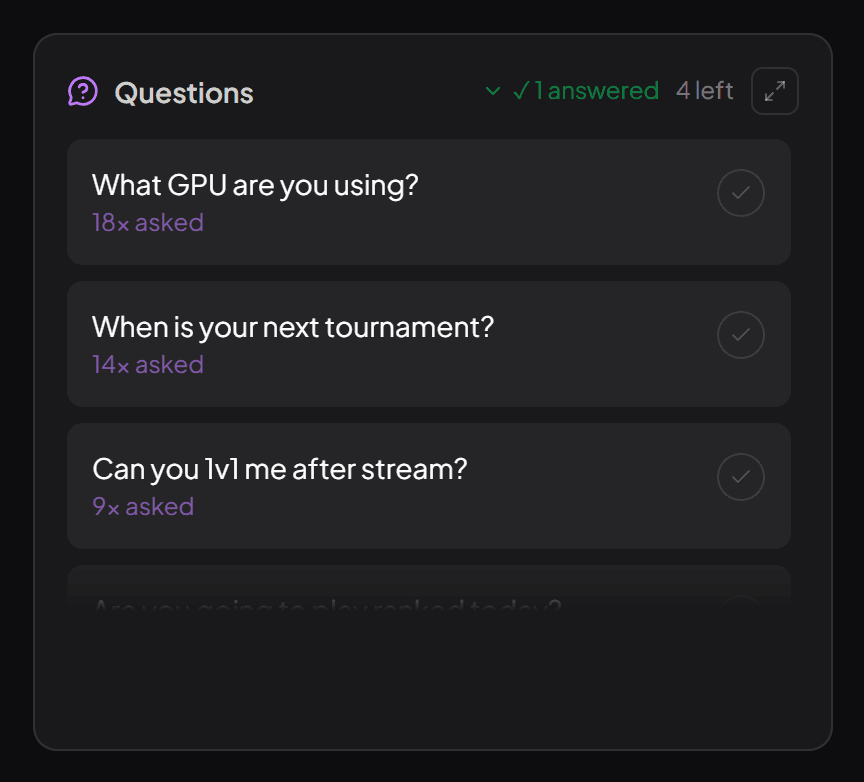
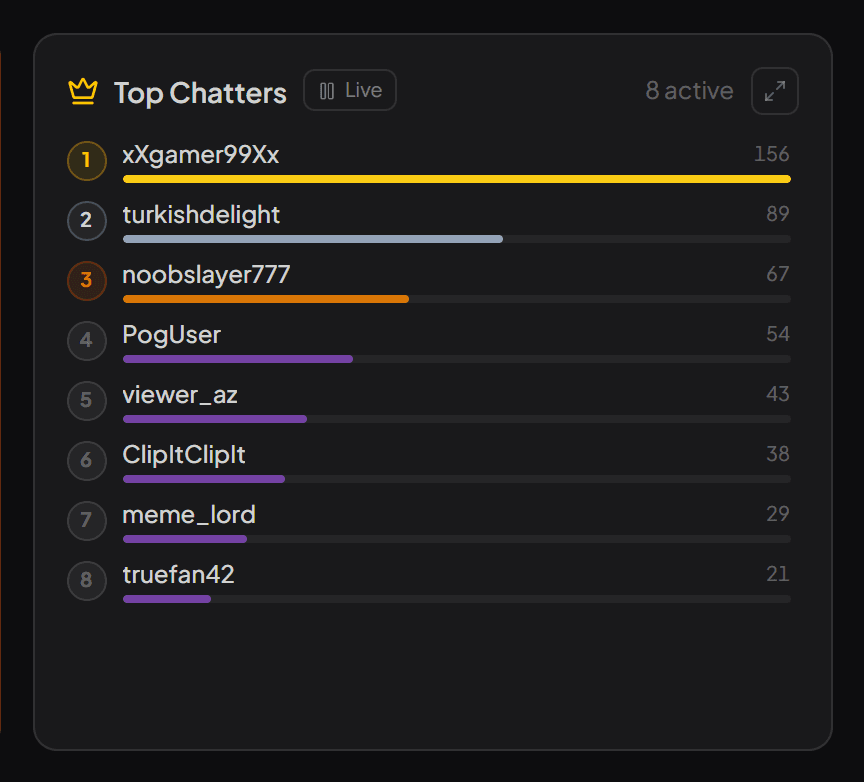
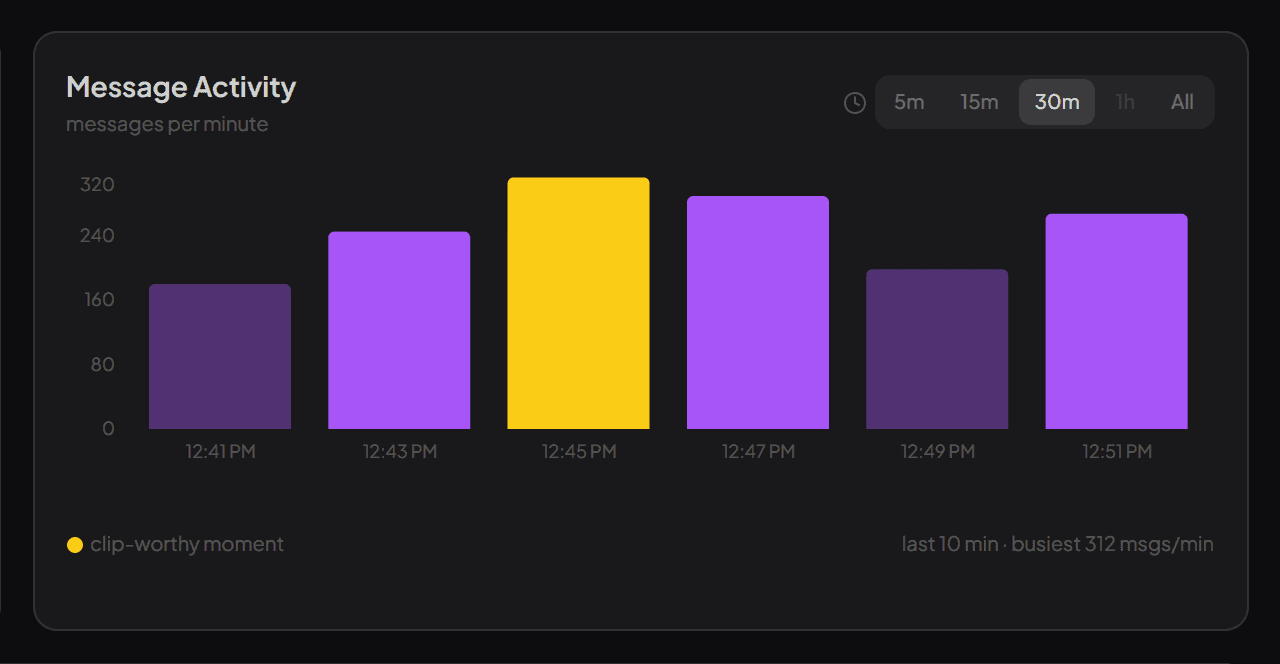
This is one of the reasons streamerfriend doesn't just chase spam and speed — it surfaces the questions people asked and the overall mood even when chat is quiet, so a single message from a minute ago doesn't just evaporate. Answering the 3 people who did type, by name, is what turns a quiet room into a returning one. It works the same on Twitch, YouTube and Kick.
A slow chat isn't a dead channel — it's an early one. Treat every message like it matters (because on a small stream, it genuinely does), and the room fills in over time. If you're also working on bringing more people in, fixing the quiet-room problem first makes that traffic worth far more.
Quick answers
Why is my Twitch chat so dead?
Usually because nothing invites people to type: long silent stretches of gameplay, open-ended questions that are hard to answer, or early messages that went unanswered. Most viewers on any stream are lurkers, so a quiet chat is normal — it becomes a problem only when the few people who do talk aren't answered.
What should I say when no one is in chat?
Keep narrating as if someone is there, because usually someone is — lurkers rarely show up in chat. Talk through your decisions, react to what happens on screen, and ask a specific either-or question every so often. The clip someone watches later is better for it too.
Should I call out lurkers?
Welcome them generally, not individually. "Lurkers welcome, no pressure to chat" makes people comfortable; naming someone who hasn't typed puts them on the spot, and many will leave rather than respond.
Read your chat the easy way
streamerfriend turns fast chat into your top questions, mood, spam and highlights — live, for Twitch, YouTube & Kick.
Start for free →