Kick Chat Logs: How to Check Them (Kick Has No Built-In Search)
Kick doesn't have a chat history you can search. While you're live, chat scrolls past and is gone; there's no built-in page where you type a username and see everything that person said last week. Anyone who checks Kick chat logs — a moderator reviewing a ban appeal, a streamer looking for a clip moment, a viewer settling an argument — is using a tool somebody else built that records chat as it happens.
This guide covers the options that exist, what each one is actually good for, and the one limit they all share.
The one limit every Kick log tool shares
A log only contains what was recorded. Kick doesn't hand out old messages after the fact, so every log site works by sitting in channels and saving chat live. Two things follow from that, and they explain almost every "why can't I find this message" complaint:
- If a site wasn't recording a channel at the time, those messages don't exist anywhere it can show you.
- Coverage varies. Some sites record every channel they can find; others track a list of large streamers. A small channel is far more likely to have gaps.
So when you check a log, check 2 sites before concluding a message was never sent.
Kick chat log sites
These are the tools that come up most often when people search for Kick chat logs. We aren't affiliated with any of them; this is what each one says it does.
- KickLogz — search past messages by username, channel name or keyword, with date filters and an option to hide emote-only lines. Also has a real-time chat viewer.
- KickStats chat logs — enter a streamer and a username to search messages from that channel's recent VODs.
- KickVod — chat replay alongside VODs, plus per-chatter logs for a set of popular channels; it has been tracking since July 2023.
- Lolarchiver Kick Tools — a user chat history search that says it monitors all Kick channels.
- StreamerStats — Kick search across streamers, chatters and messages, alongside general channel analytics.
For moderation, the useful pattern is the same everywhere: channel first, then username, then narrow by date. Searching by keyword across a whole channel is what you want when you're hunting for a moment rather than a person.
Exporting a stream's chat
Sometimes you don't need to search a person — you need the whole chat from one stream, for an editor cutting highlights or for your own records. That's a chat downloader's job. Streams Charts offers one that exports chat from Twitch, Kick and YouTube streams. Exports are the right tool when the question is "what happened during this stream", not "what has this user said".
Keeping your own log
If you want your channel's chat recorded on your terms — complete, and stored somewhere you control — a self-hosted logger is the honest answer. kicklogs.net is open source: you run it, it records the Kick channels you follow, and you search it yourself. It takes some setup, but it's the only option where coverage is guaranteed because you're the one recording.
“A log only contains what was recorded.”
Using logs responsibly
Public chat is public, but a log turns a passing comment into something permanent and searchable. For moderators that's the point — a ban appeal reads differently when you can see the full context. It's worth holding to the same standard: look at the surrounding messages, not a single line, and use logs to understand what happened rather than to dig through someone's history for ammunition.
Logs look backwards. Your stream is happening now
Every tool above answers a question after the fact. None of them helps with the moment itself — the question 4 people asked while you were mid-fight, or a spam wave starting while you were reading a donation. By the time anything shows up in a log, the stream has moved on.
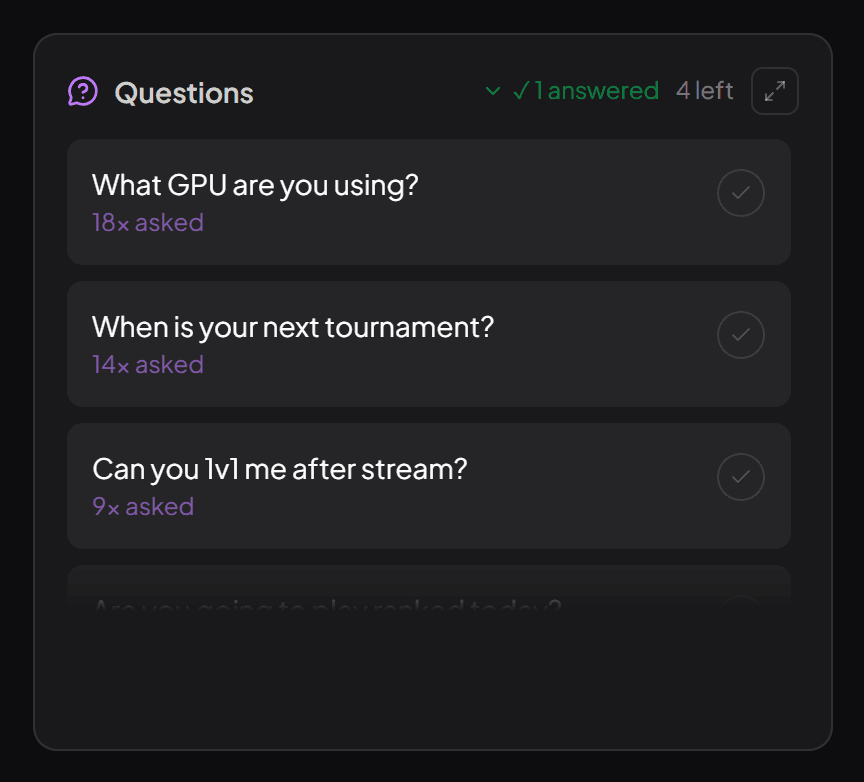
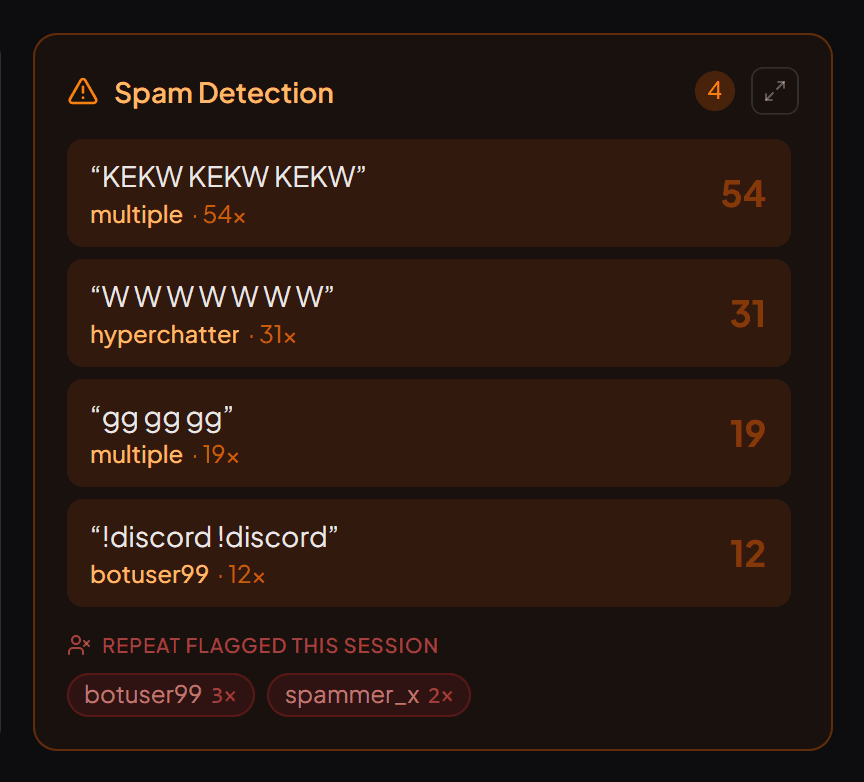
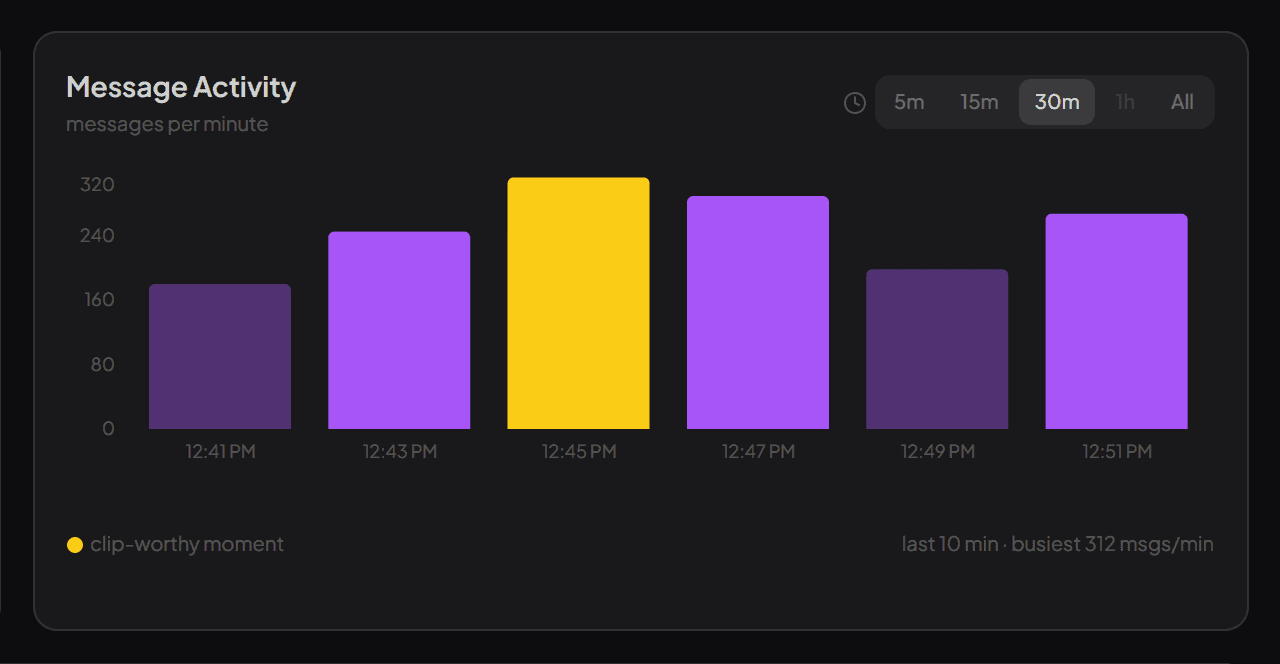
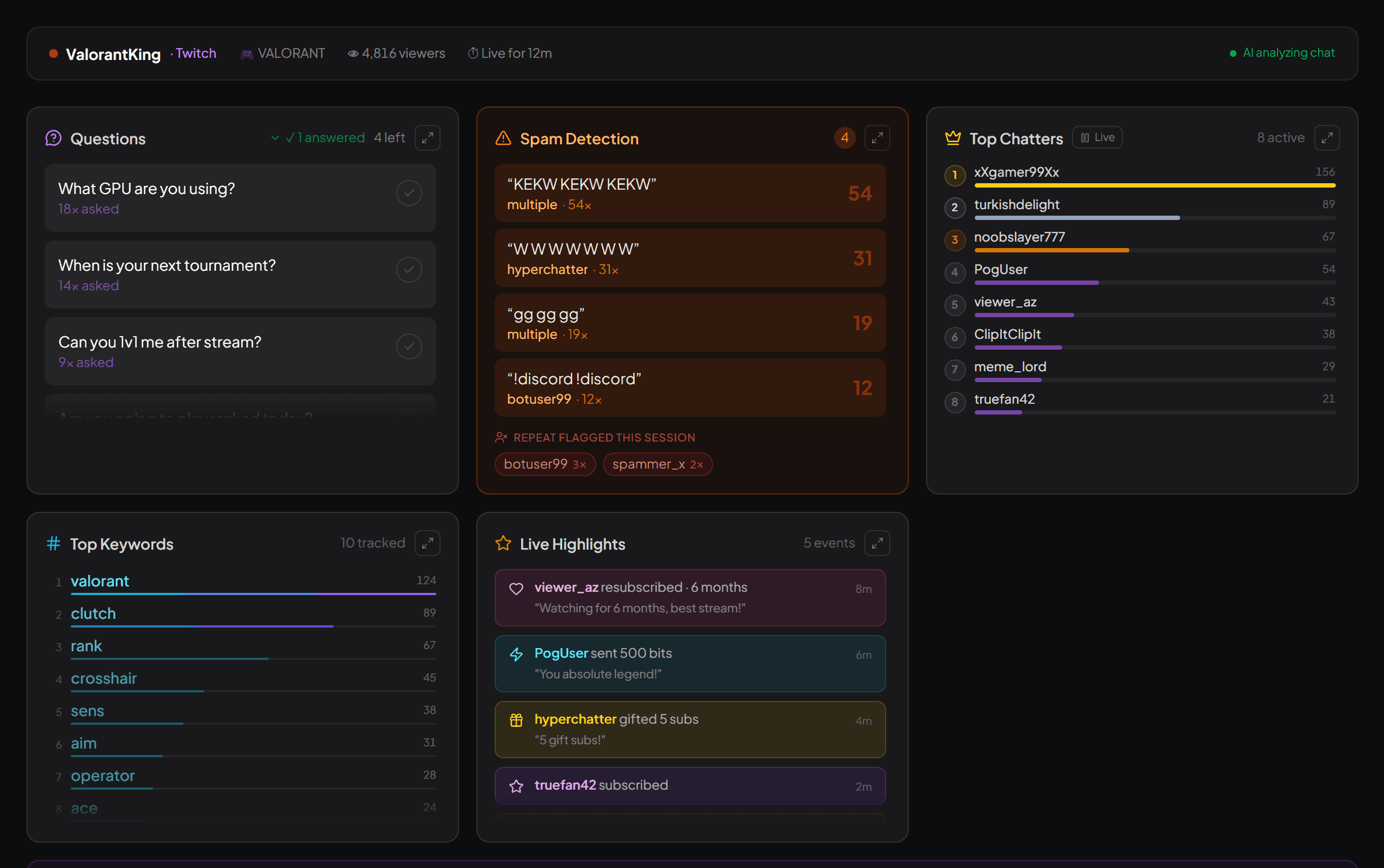
That's the part streamerfriend handles. It reads your Kick chat live and pulls out the top questions, the mood, spam waves and highlights while you're still streaming — read-only, with no bot in your channel. After the stream, each session is kept as a summary in your history. It isn't a searchable message log, and it doesn't replace the tools above; it covers the live half that logs cannot. More on what exists for Kick in our Kick chat tools guide, and the commands worth knowing for handling chat in the moment.
Quick answers
Does Kick have chat logs?
Not in a form you can search. Kick shows live chat while a stream is running, but it doesn't offer a searchable history of past messages by user or by word. Searchable Kick chat logs come from third-party sites that record chat as it happens.
How do I check someone's Kick chat logs?
Use a third-party Kick log site such as KickLogz, KickStats or KickVod: pick the channel, enter the username, and it lists the messages it recorded. Coverage depends on the site — some record every channel, some only popular ones, and none can show messages from before they started recording.
Can I see Kick chat logs for my own stream?
Yes. The same log sites work for your own channel if they track it, a chat downloader can export a stream's chat, and a self-hosted logger like kicklogs.net records the channels you choose so the data stays with you.
Read your chat the easy way
streamerfriend turns fast chat into your top questions, mood, spam and highlights — live, for Twitch, YouTube & Kick.
Start for free →